


Confetti
Confetti bursts on a tap, a click or from code, in the style of Magic UI’s confetti. The physics are canvas-confetti’s (the library Magic UI wraps), copied frame for frame. The option names and defaults are the same too, so a recipe written for the web works unchanged.


Screenshots
Section titled “Screenshots”Blazor
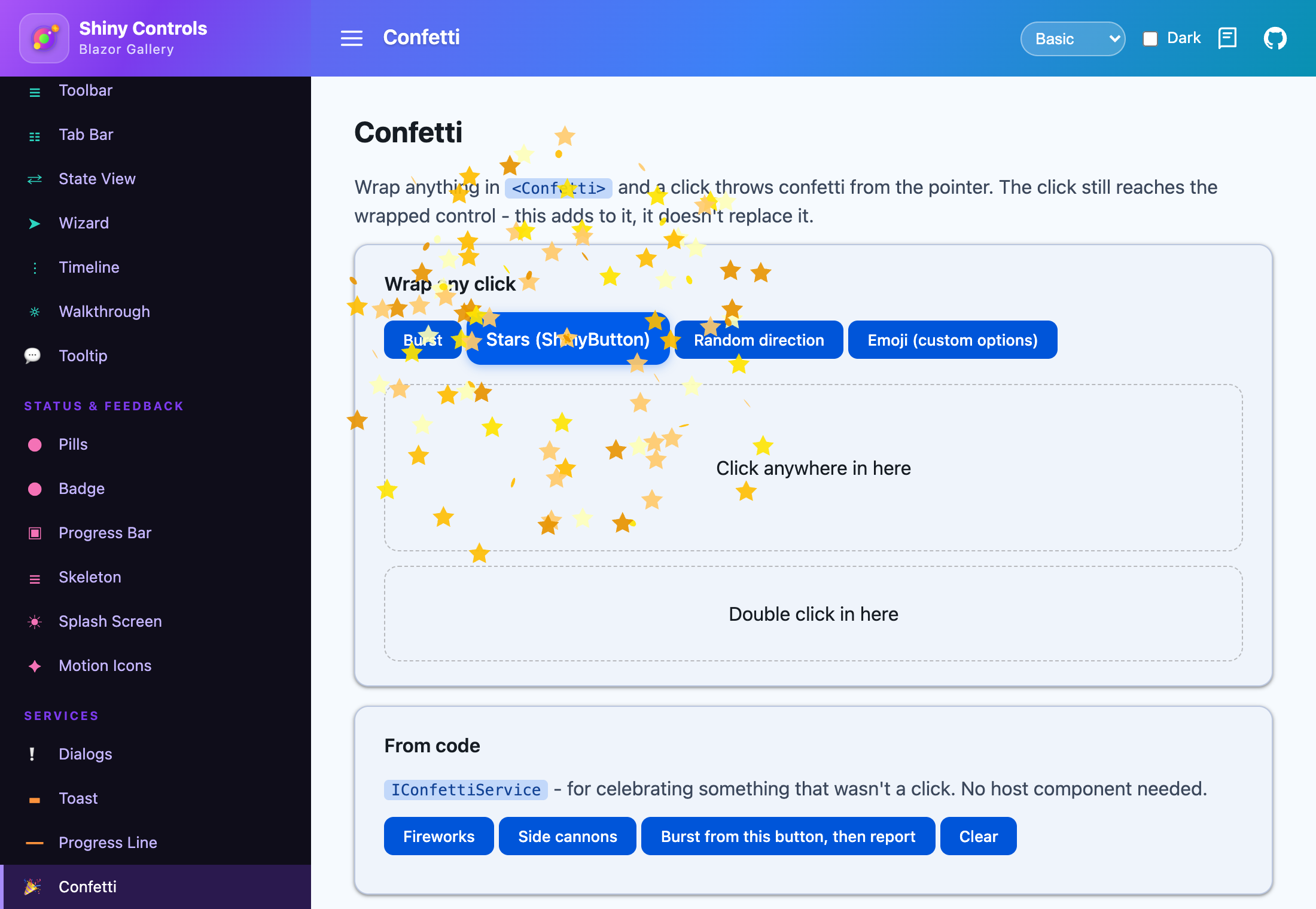
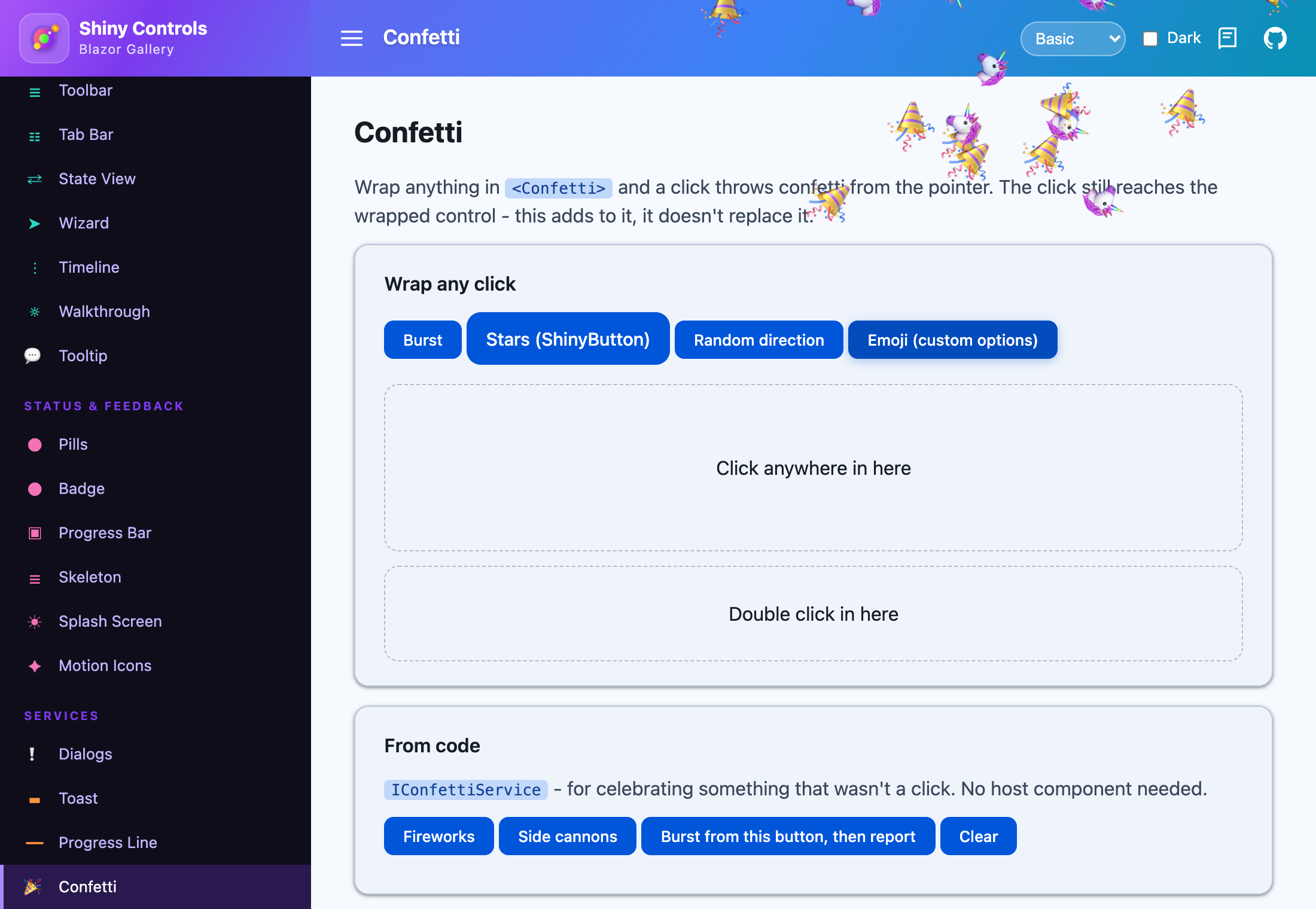
| Stars preset | Emoji (custom options) |
|---|---|
 |
 |
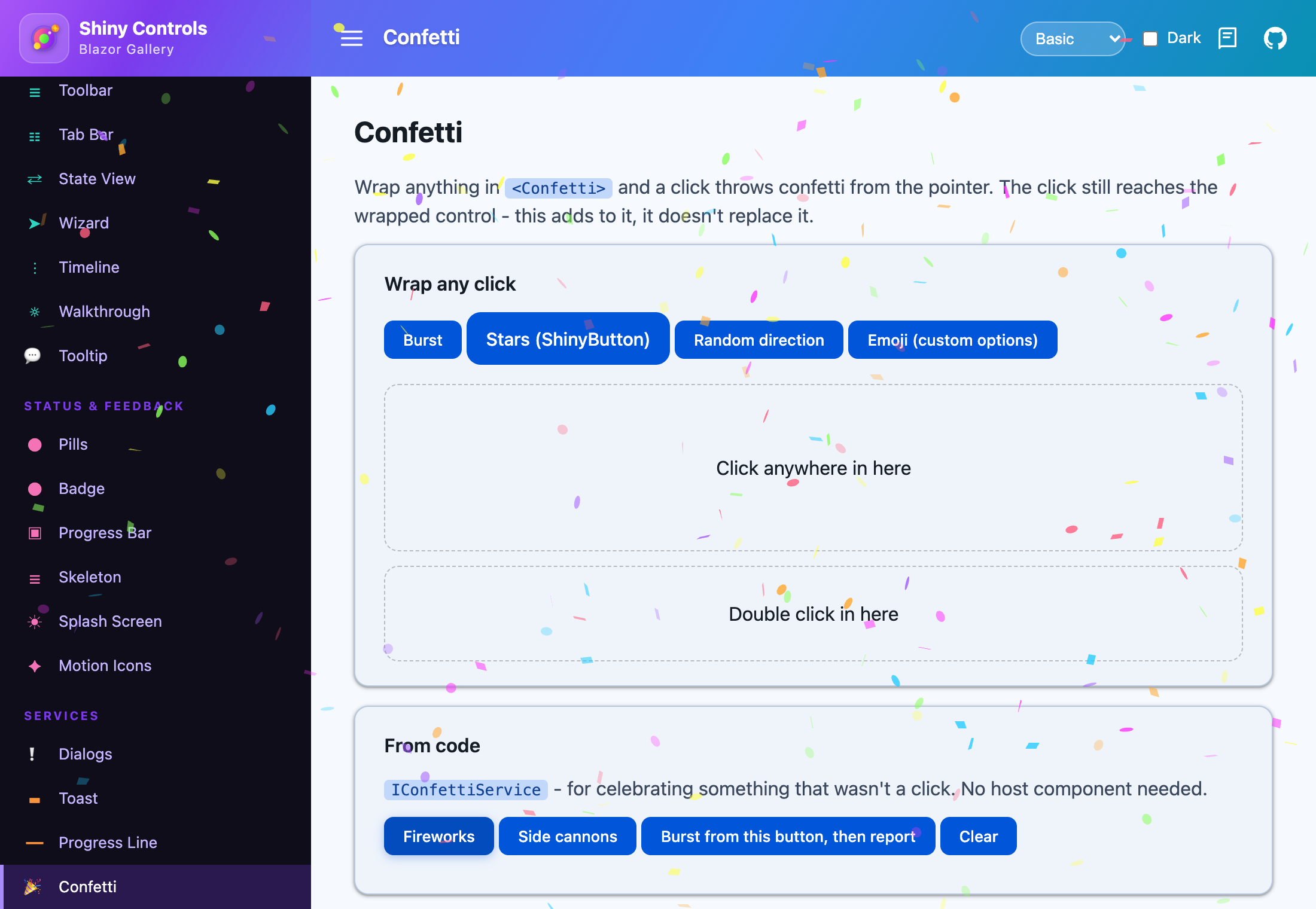
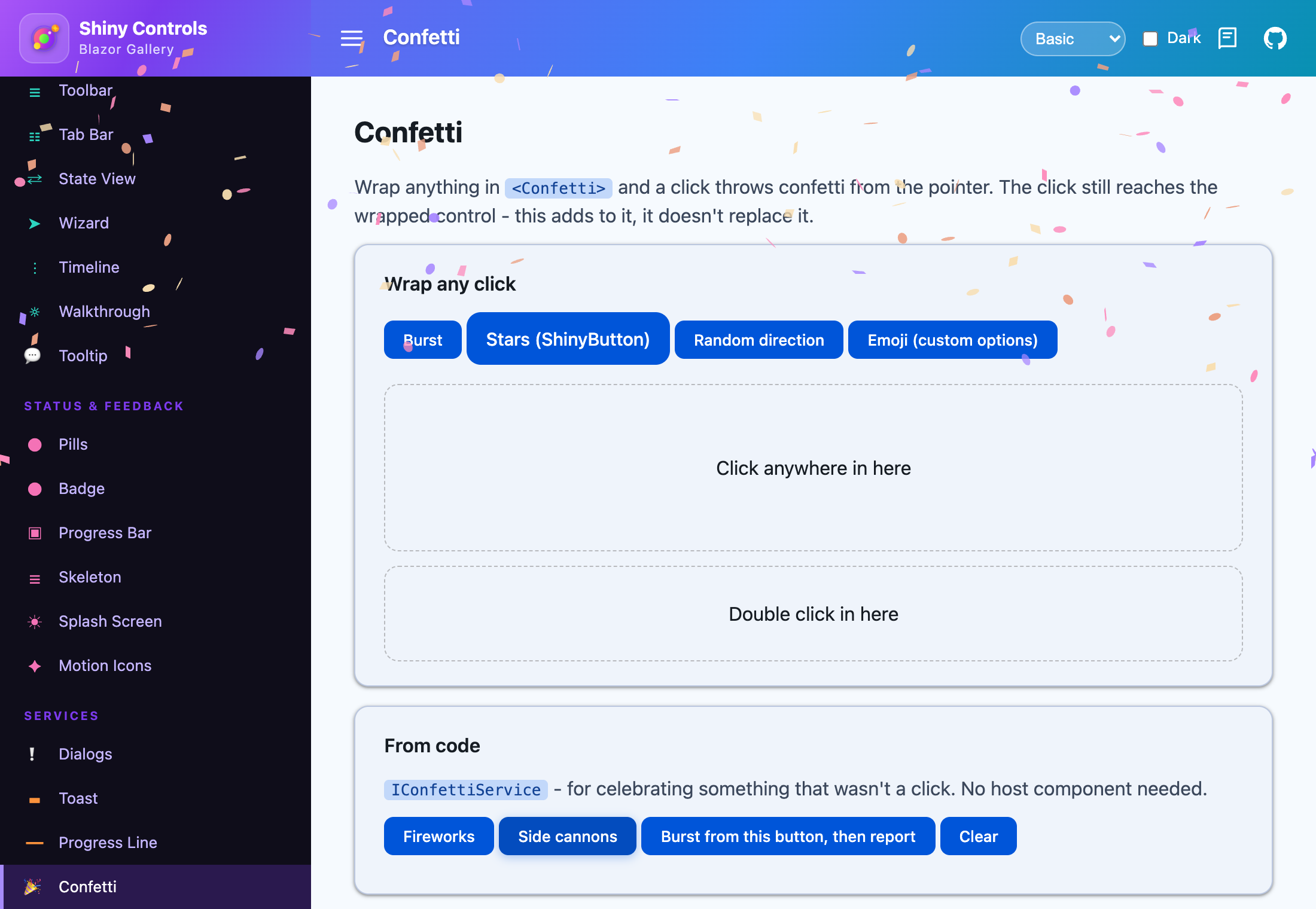
| Fireworks from the service | Side cannons from the service |
|---|---|
 |
 |
MAUI (iOS)
| Emoji (custom options) | Fireworks | Side cannons |
|---|---|---|
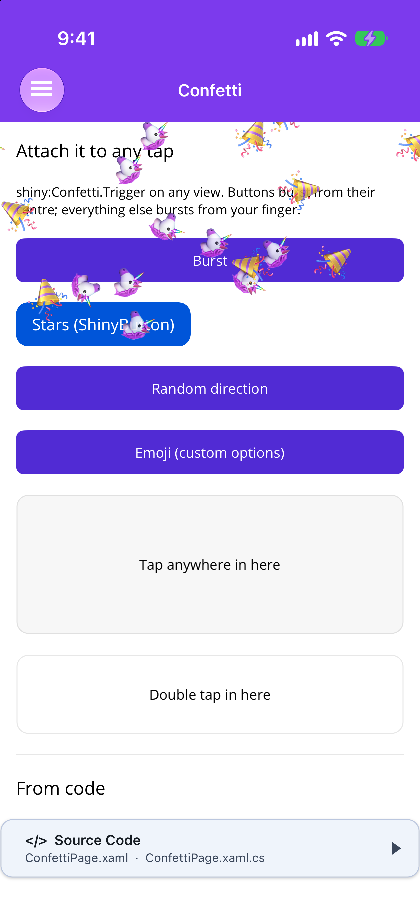 |
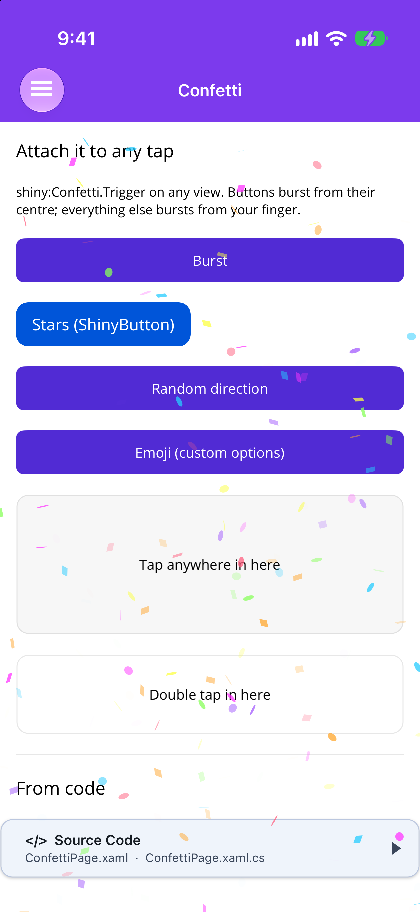 |
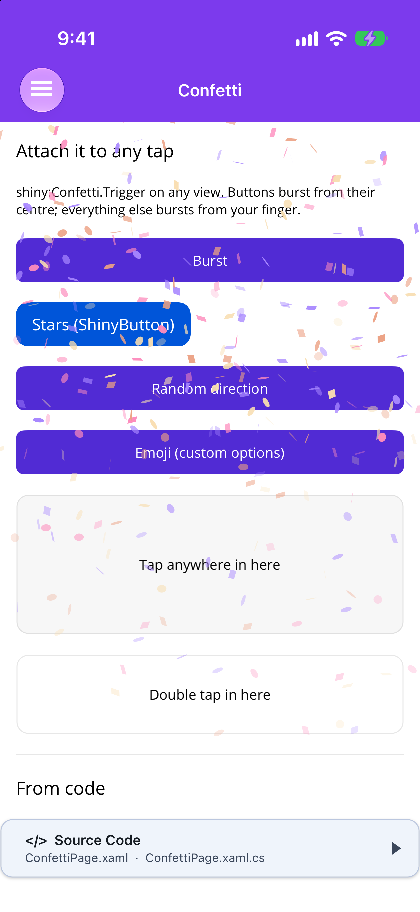 |
On any tap
Section titled “On any tap”Attach it to any view. You don’t need to write any code.
<Button Text="Ship it" shiny:Confetti.Trigger="Tap" /><shiny:ShinyButton Text="Stars" shiny:Confetti.Trigger="Tap" shiny:Confetti.Preset="Stars" /><Border shiny:Confetti.Trigger="DoubleTap">...</Border>| Attached property | Default | Description |
|---|---|---|
Confetti.Trigger |
None |
Tap or DoubleTap. None removes the hook |
Confetti.Preset |
Burst |
The preset to fire |
Confetti.Options |
null | A custom ConfettiOptions. Takes priority over Preset, and its origin is replaced by the tap point |
Button, ImageButton, ShinyButton and Fab are hooked through Clicked, because MAUI’s own buttons ignore gesture recognizers. They burst from their centre. Any other view gets a tap recognizer and bursts from the point you touched. Either way, the view’s own click and command still run.
Blazor
Section titled “Blazor”Wrap the element. The wrapper is display: contents, so the layout doesn’t change.
<Confetti Preset="ConfettiPreset.Stars">    <ShinyButton Text="Ship it" /></Confetti>
<Confetti Trigger="ConfettiTrigger.DoubleTap" Options="@unicorns">    <div class="card">...</div></Confetti>
@code {    readonly ConfettiOptions unicorns = new() { Emoji = ["🦄", "🎉"], Scalar = 2, ParticleCount = 30 };}
The click is handled in JavaScript, so the burst starts on the same frame as the click. On Blazor Server, nothing waits on the network first. A click from the keyboard bursts from the centre of the element.
From code
Section titled “From code”IConfettiService is registered by UseShinyControls() on MAUI, and by AddShinyControls() or AddShinyConfetti() on Blazor, where it is scoped. It needs no host component. Every call completes once the last particle has faded.
await confetti.FireAsync(ConfettiPreset.Fireworks);await confetti.FireAsync(ConfettiPreset.Burst, new Point(0.5, 0.3)); // Blazor: FireAsync(preset, 0.5, 0.3)await confetti.FireFromAsync(saveButton, ConfettiPreset.Stars); // VisualElement / ElementReferenceawait confetti.FireAsync(new ConfettiOptions { ParticleCount = 150, Spread = 180 });confetti.Clear(); // Blazor: await ClearAsync()Presets
Section titled “Presets”| Preset | Description |
|---|---|
Burst |
100 particles with a 70° spread, from the origin |
Random |
A random angle, spread and count, so no two taps look the same |
Fireworks |
5 seconds of 360° bursts at random points near the top. Ignores the origin |
SideCannons |
3 seconds of streams from both side edges. Ignores the origin |
Stars |
Three waves of gold stars and sparks, with no gravity |
ConfettiOptions
Section titled “ConfettiOptions”| Property | Default | Description |
|---|---|---|
| ParticleCount | 50 | Particles to launch |
| Angle | 90 | Launch direction in degrees (90 is up) |
| Spread | 45 | Total deviation around Angle |
| StartVelocity | 45 | Launch speed per frame |
| Decay | 0.9 | Share of its speed a particle keeps each frame |
| Gravity | 1 | 0 floats |
| Drift | 0 | Sideways drift |
| Flat | false | Stops particles tumbling |
| Ticks | 200 | Frames a particle lives, fading as it goes |
| OriginX / OriginY | 0.5 / 0.5 | Launch point as a fraction of the page (MAUI) or window (Blazor) |
| Colors | 7-color palette | Color on MAUI, CSS strings on Blazor |
| Shapes | Square, Circle | Square, Circle, Star |
| Emoji | empty | Text to throw. When it has anything in it, Shapes and Colors are ignored |
| Scalar | 1 | Size multiplier |
| DisableForReducedMotion | false | Skips the burst when the OS or browser asks for reduced motion |