


Slide Viewer
SlideView renders .pptx. It is read-only — editing is Slide Editor —
and it ships in the same packages as the Spreadsheet and the
Document Viewer.


Scale, not reflow
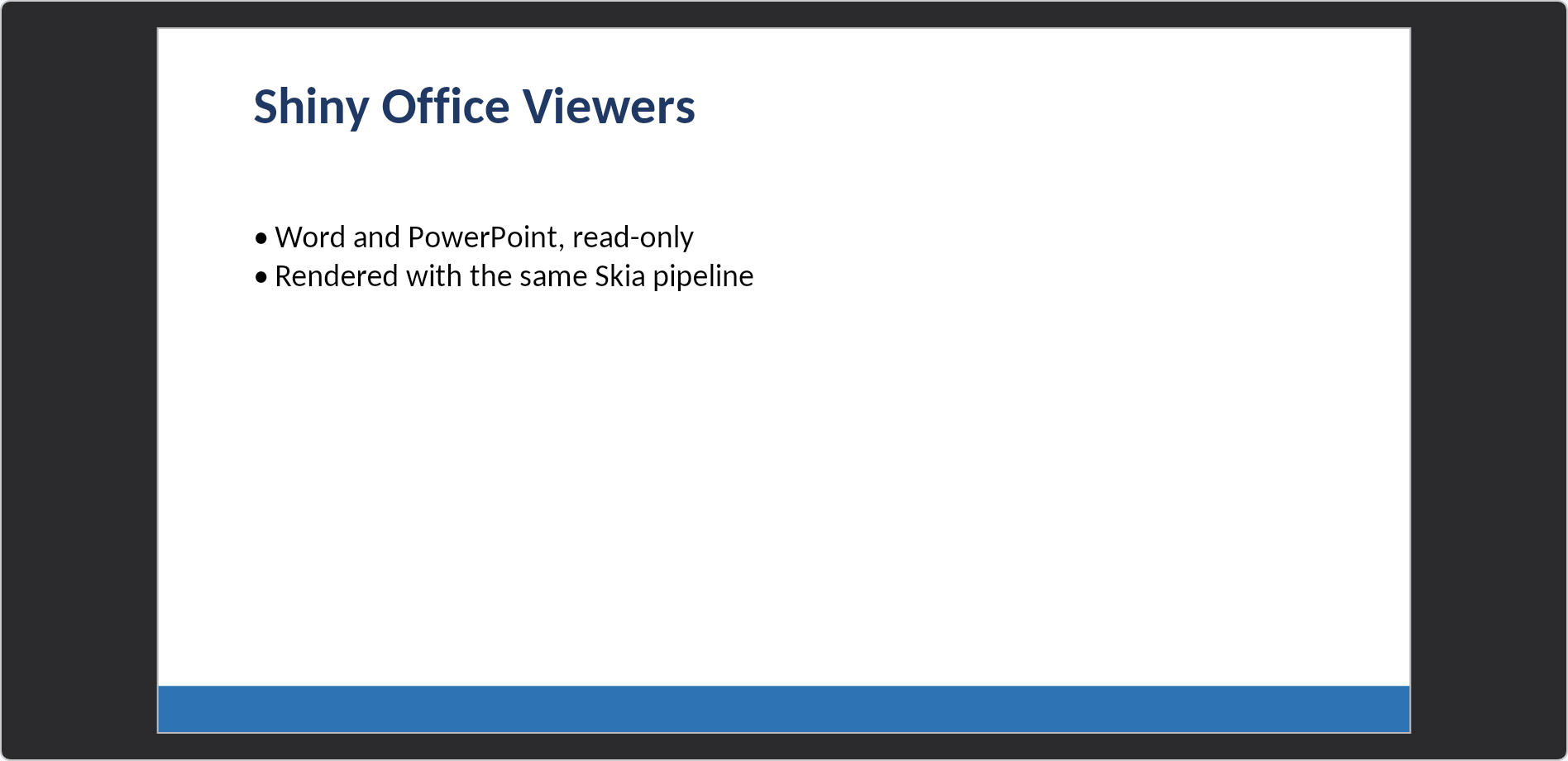
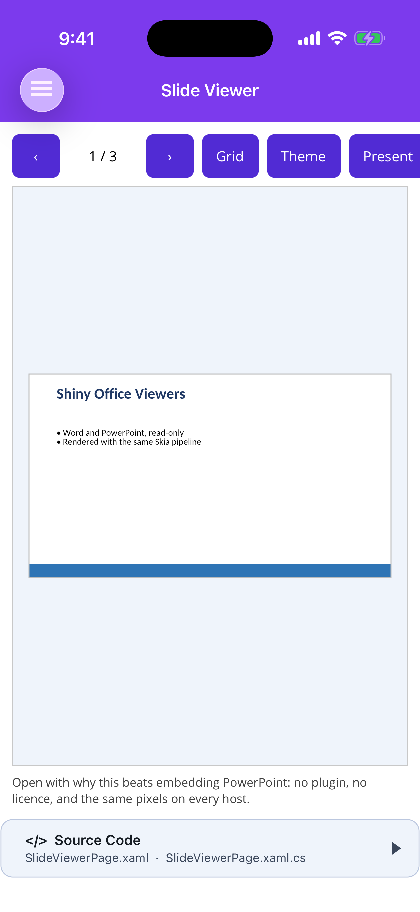
Section titled “Scale, not reflow”using var deck = await SlideDeck.OpenAsync("/path/deck.pptx");<office:SlideView Deck="{Binding Deck}" Mode="Single" SlideChanged="OnSlideChanged" /><div style="height:460px"> <SlideView Deck="deck" @bind-SlideIndex="index" @bind-Mode="mode" /></div>A slide is a fixed-size artboard, so the view fits and letterboxes it rather than re-laying it out. Text keeps exactly the proportions it was authored at, at any size. This is the opposite of what the Document Viewer does with Word, and for the opposite reason: a document is a stream of text with a width, a deck is a picture with a size.
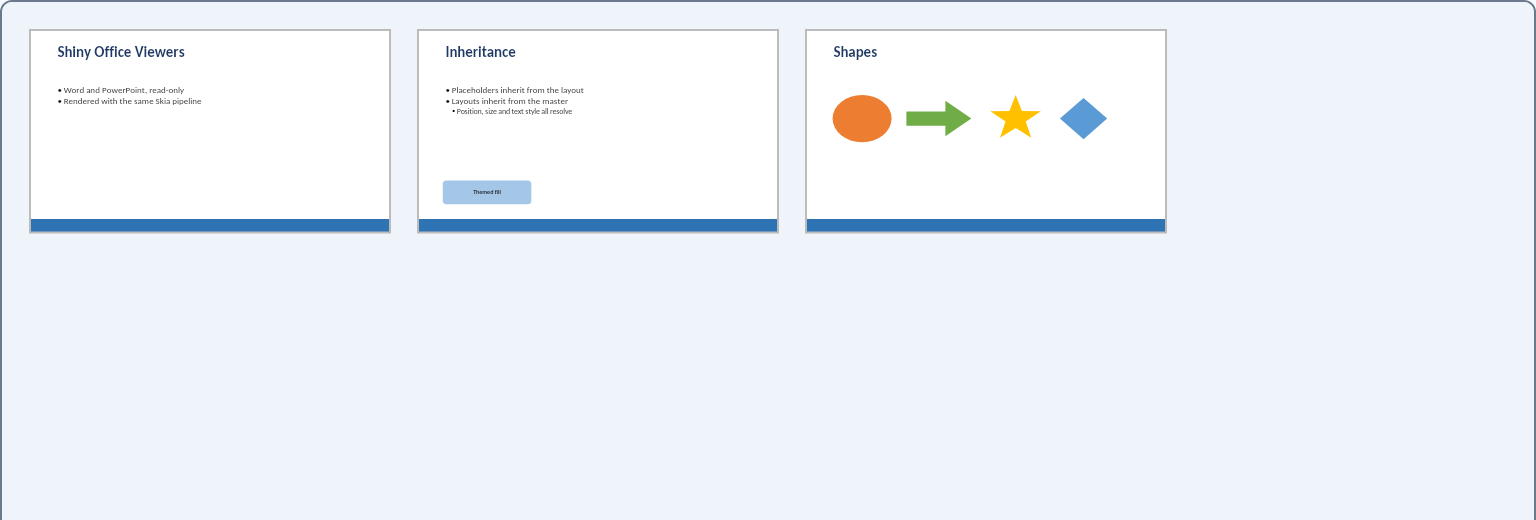
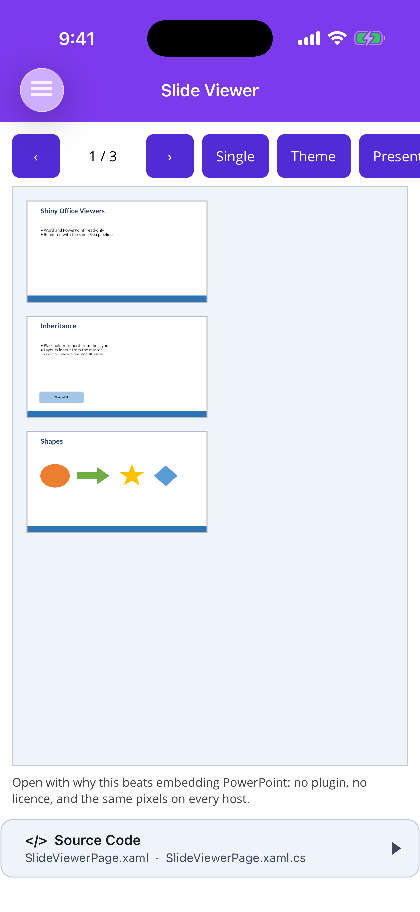
SlideViewMode.Single fits one slide. SlideViewMode.Grid is a scrolling thumbnail wall where
clicking a thumbnail opens that slide.
deck.SlideWidth; // 1280 for a 16:9 deck at 96dpideck.AspectRatio;deck.Slides[0].Title;deck.Slides[0].Notes;Presenting mode
Section titled “Presenting mode”IsPresenting takes the deck full screen for a room — black surround, no border, tap or click to
advance, an auto-hiding control bar and speaker notes on demand. On MAUI that is a modal page; on
Blazor the browser’s Fullscreen API over a full-window surface. See
Presenting mode.
this.Viewer.StartPresenting(); // MAUIawait this.viewer.StartPresentingAsync(); // BlazorThe Slide Editor plays the same show from its own toolbar. It reimplements
none of this — it hands a SlideView the deck it is already holding.
Placeholders are resolved for you
Section titled “Placeholders are resolved for you”Shapes come back already resolved through slide → layout → master. This matters more than it sounds: a title placeholder on a slide routinely carries text and nothing else — no position, no size, no font — because all of that lives on the layout it came from, and on the master behind that. Reading only the slide produces a deck of correctly-worded shapes stacked in the top-left corner.
Decorative (non-placeholder) shapes from the layout and master are included, because they are content every slide inherits. Their placeholders are not, because those are templates the slide fills in rather than things to draw.
What it draws
Section titled “What it draws”Preset geometry for around twenty common shapes — rectangle, rounded rectangle, ellipse, triangle, diamond, line, the four arrows, pentagon, hexagon, star, chevron, parallelogram, trapezoid, plus, can and cloud. Anything else falls back to its bounding rectangle and is reported.
Solid and linear-gradient fills; outlines including dashes; theme colours with their lumMod,
lumOff, shade, tint and alpha modifiers applied — “Accent 1, Lighter 40%” is a modifier, not
a colour, and ignoring it renders every themed shape at full saturation; text bodies with per-level
formatting from the layout’s list style; bullets; alignment and vertical anchoring; PowerPoint’s
recorded autofit shrink; pictures; and tables.
Dark mode
Section titled “Dark mode”Theme is nullable, and unset means follow the host — the app’s light/dark appearance on MAUI,
the page’s color-scheme on Blazor — keeping up live when that flips. Pass SlideTheme.Light or
SlideTheme.Dark only to pin one.
SlideTheme.Dark darkens only the surround. A slide is a fixed artboard with authored colours,
like a photograph — inverting it would show the deck’s own dark text on a dark background and
misrepresent what the author made. PowerPoint’s own dark mode behaves the same way, and it is the one
place this control deliberately differs from the Document Viewer, which
does adapt the document’s colours.
Fonts on Blazor
Section titled “Fonts on Blazor”Shiny.Blazor.Controls.Office bundles Carlito and Caladea (metric-compatible with Calibri and
Cambria, SIL OFL 1.1, ~1 MB compressed), loaded automatically on the first render of any Office view.
Without them every slide renders in a single monospace face, because SkiaSharp on WebAssembly has no
access to system fonts and returns a wrong-but-non-null fallback rather than failing. MAUI uses the
platform’s own fonts and needs no bundle.
OfficeFonts.Register(await http.GetByteArrayAsync("fonts/MyFont.ttf"));The full note, including why metric compatibility rather than mere resemblance is the requirement, is on the Document Viewer.
Finding out what was skipped
Section titled “Finding out what was skipped”The viewer preserves the whole package and reports what it could not draw:
var collector = new UnsupportedFeatureCollector();using var deck = await SlideDeck.OpenAsync(path, collector);
foreach (var feature in collector.Features)    Console.WriteLine($"{feature.Part}: {feature.Feature} ({feature.Severity})");
A viewer never reports Lossy — it does not write. Opening and saving produces a byte-identical file.
Not implemented
Section titled “Not implemented”- Editing. Read-only; see Slide Editor.
- Charts, SmartArt, embedded OLE objects and animations: reported, not drawn.
- Custom and freeform geometry, drawn as the bounding rectangle.
- Group shapes are flattened, which is wrong if a group has been scaled relative to its children.
- Slide transitions and per-shape animation timing.
Screenshots
Section titled “Screenshots”| Blazor — SlideView |
|---|
 |
MAUI
| Single slide | Grid mode | Presenting |
|---|---|---|
 |
 |
 |