


Scratch Card
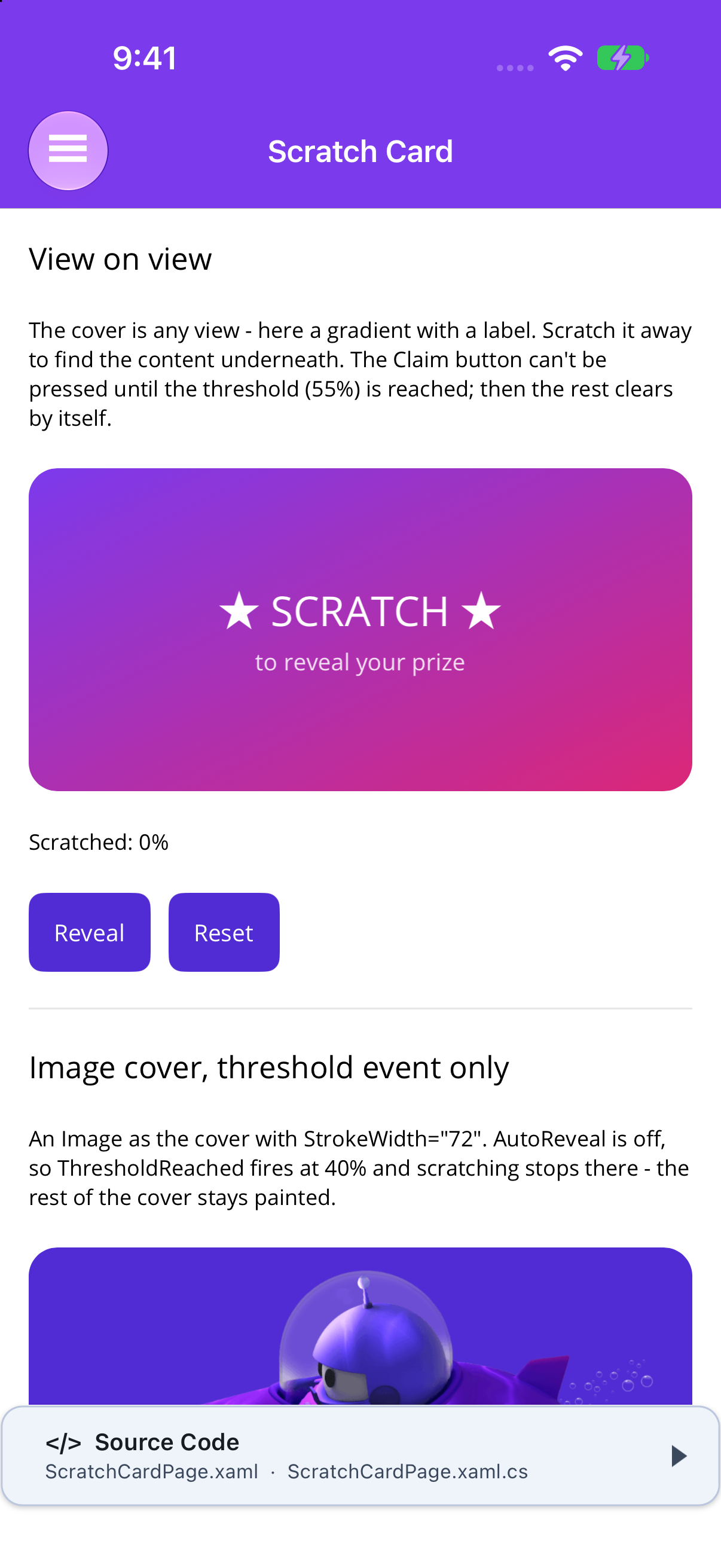
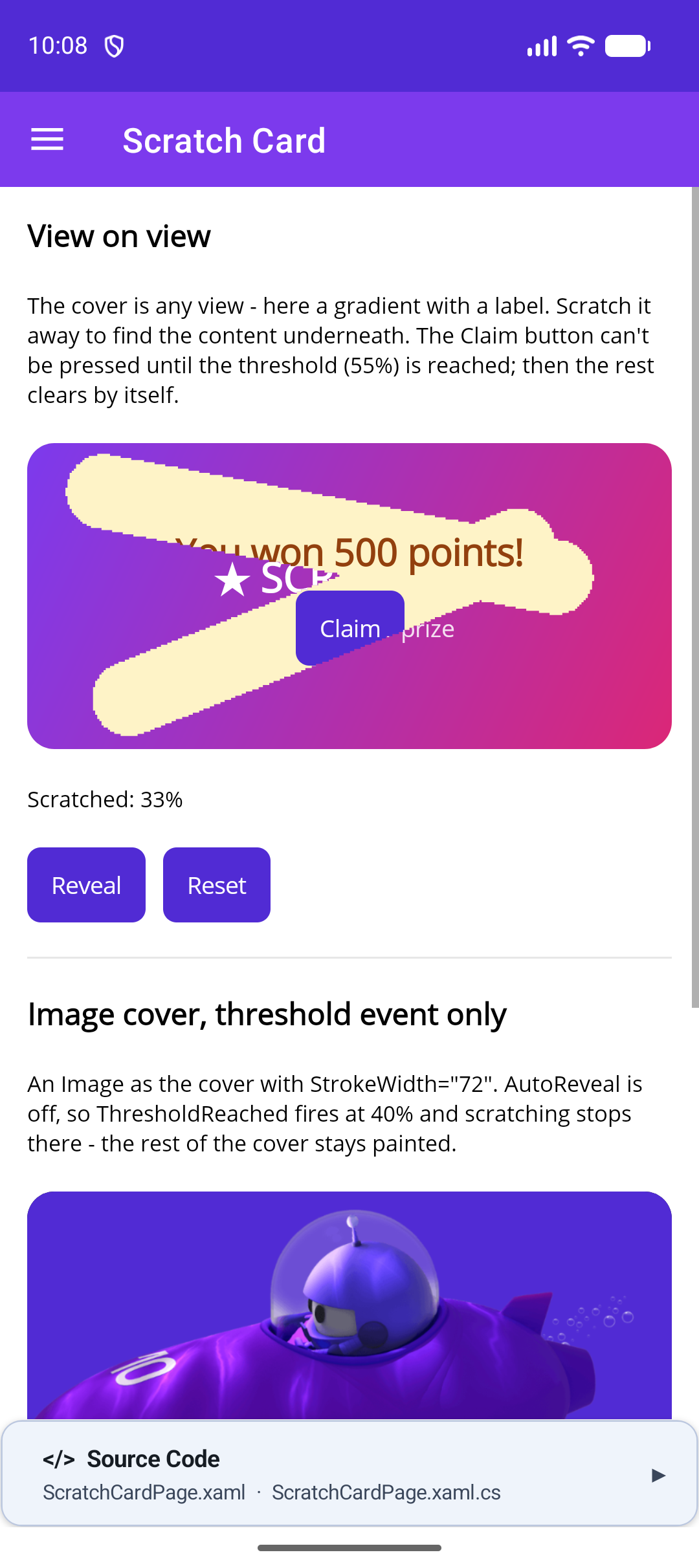
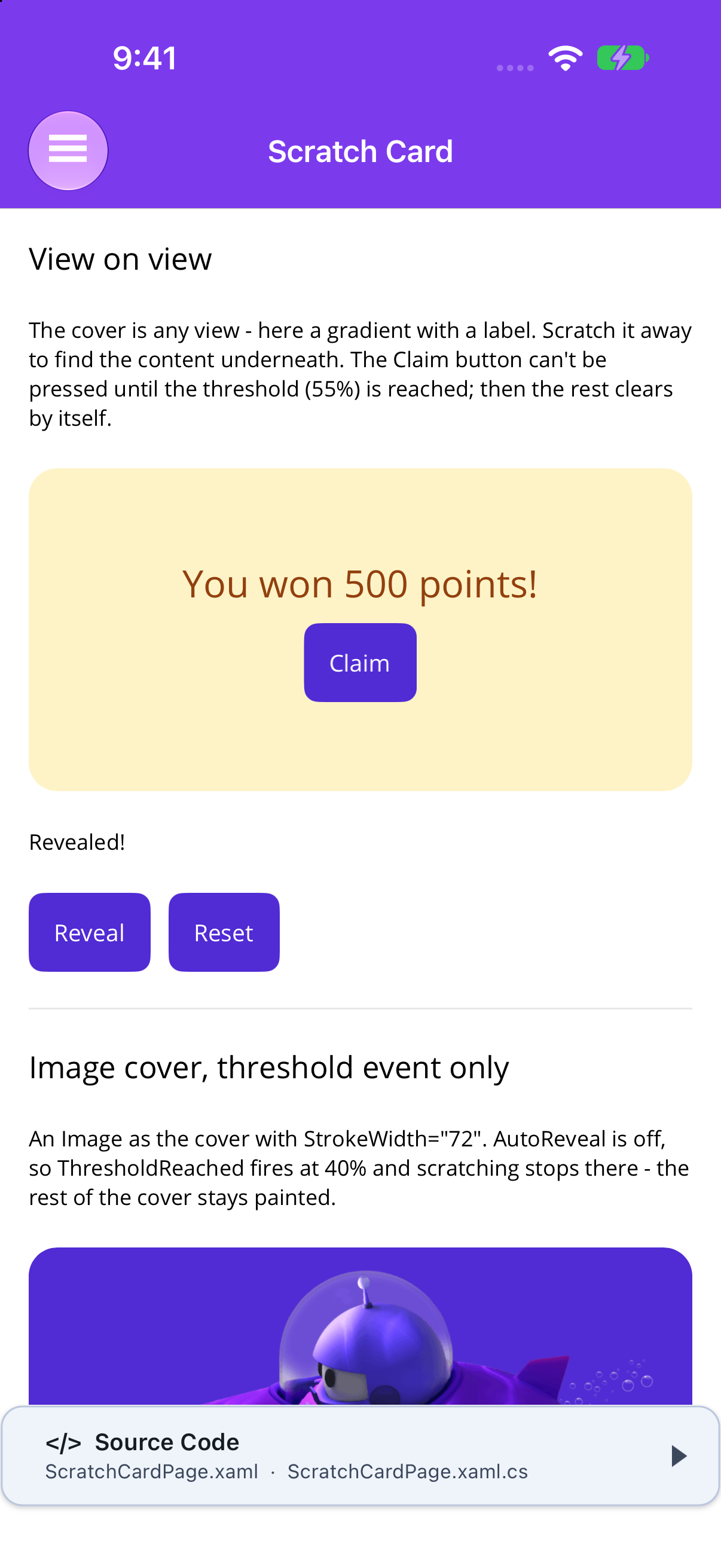
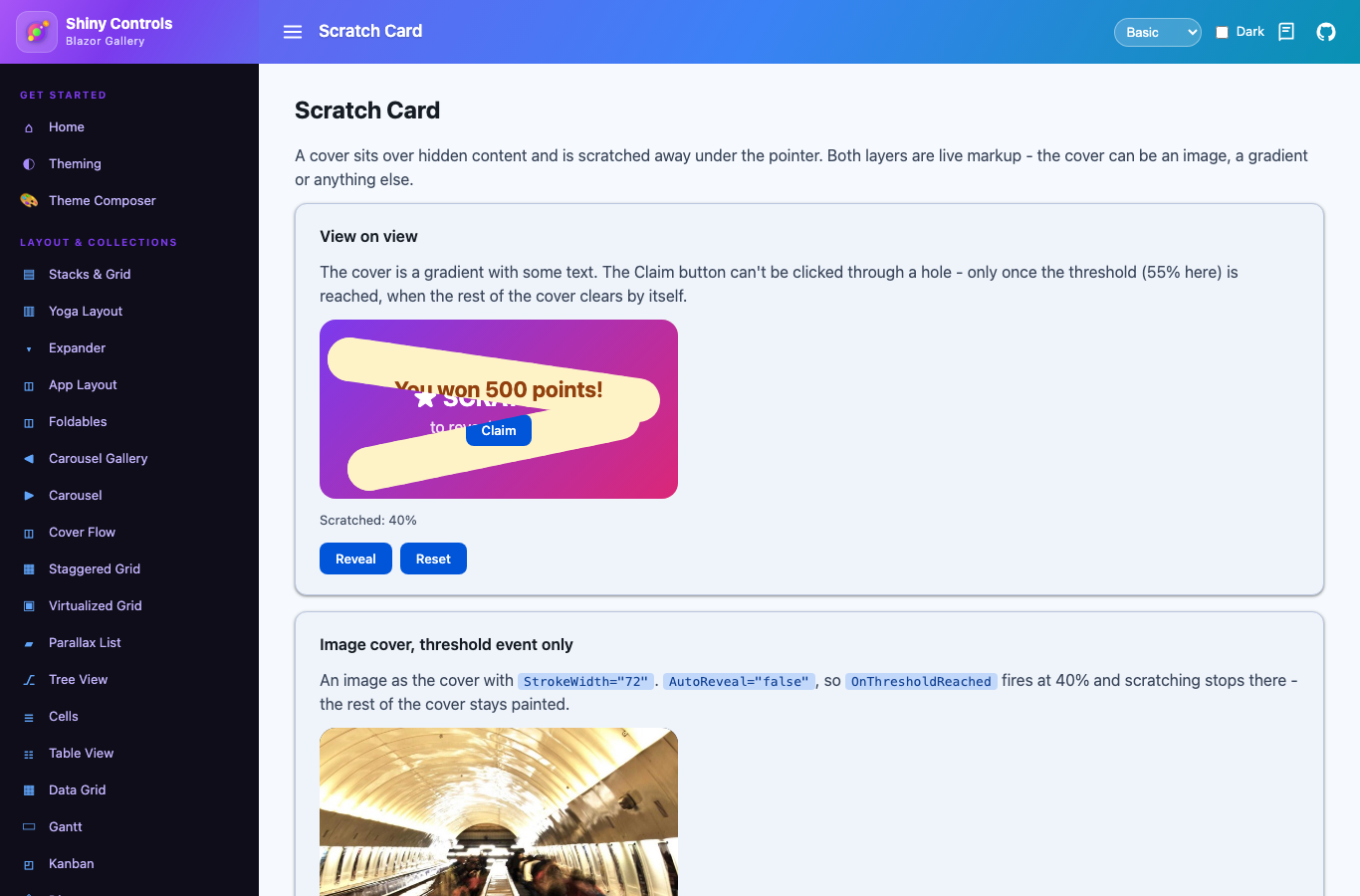
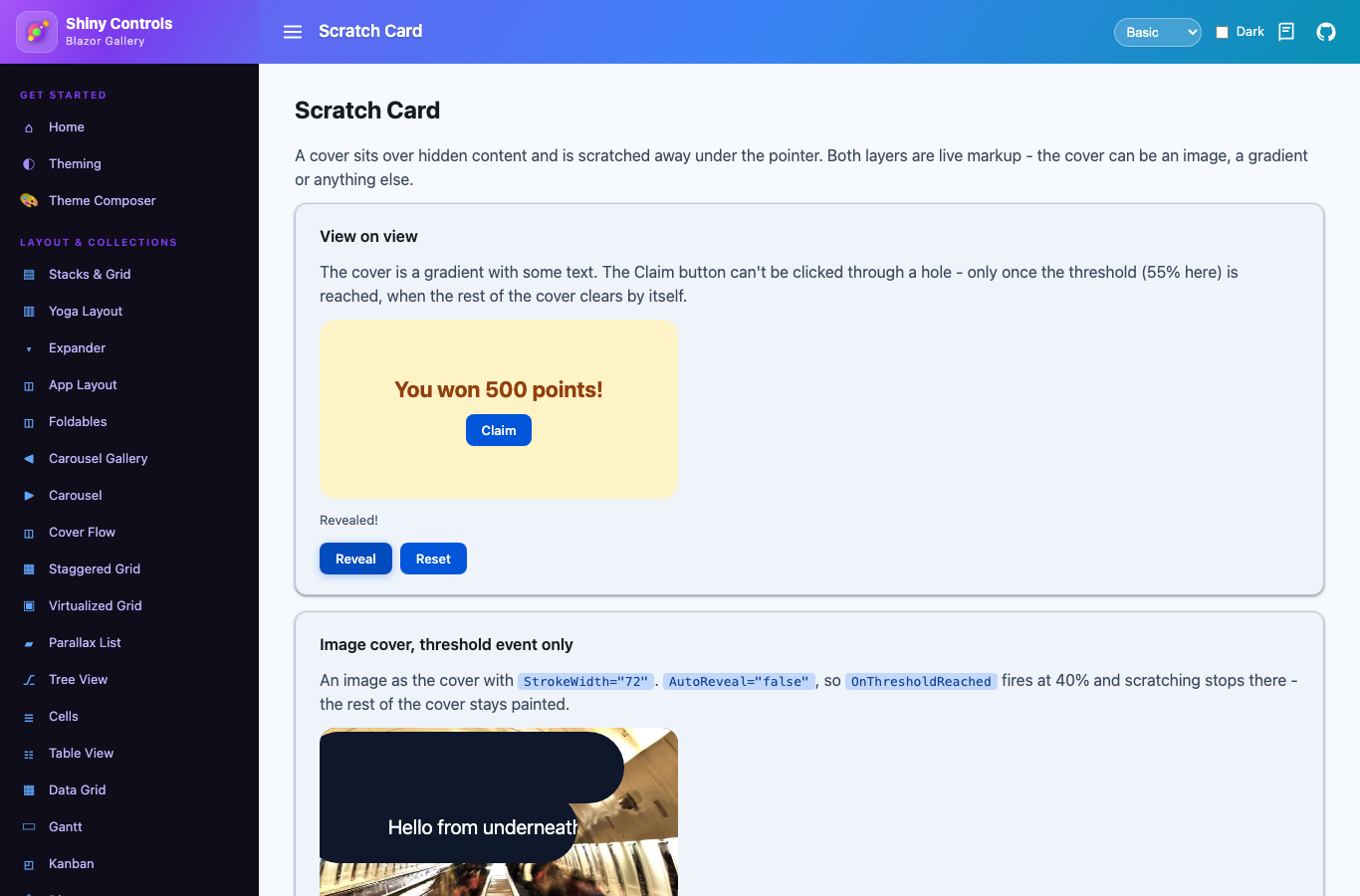
A scratch-off card. A cover view sits over a hidden view, and the user scratches the cover away with a finger or the mouse. Once enough is gone (the threshold), an event fires, and by default the rest of the cover fades out. Both hosts have it, in the core packages.
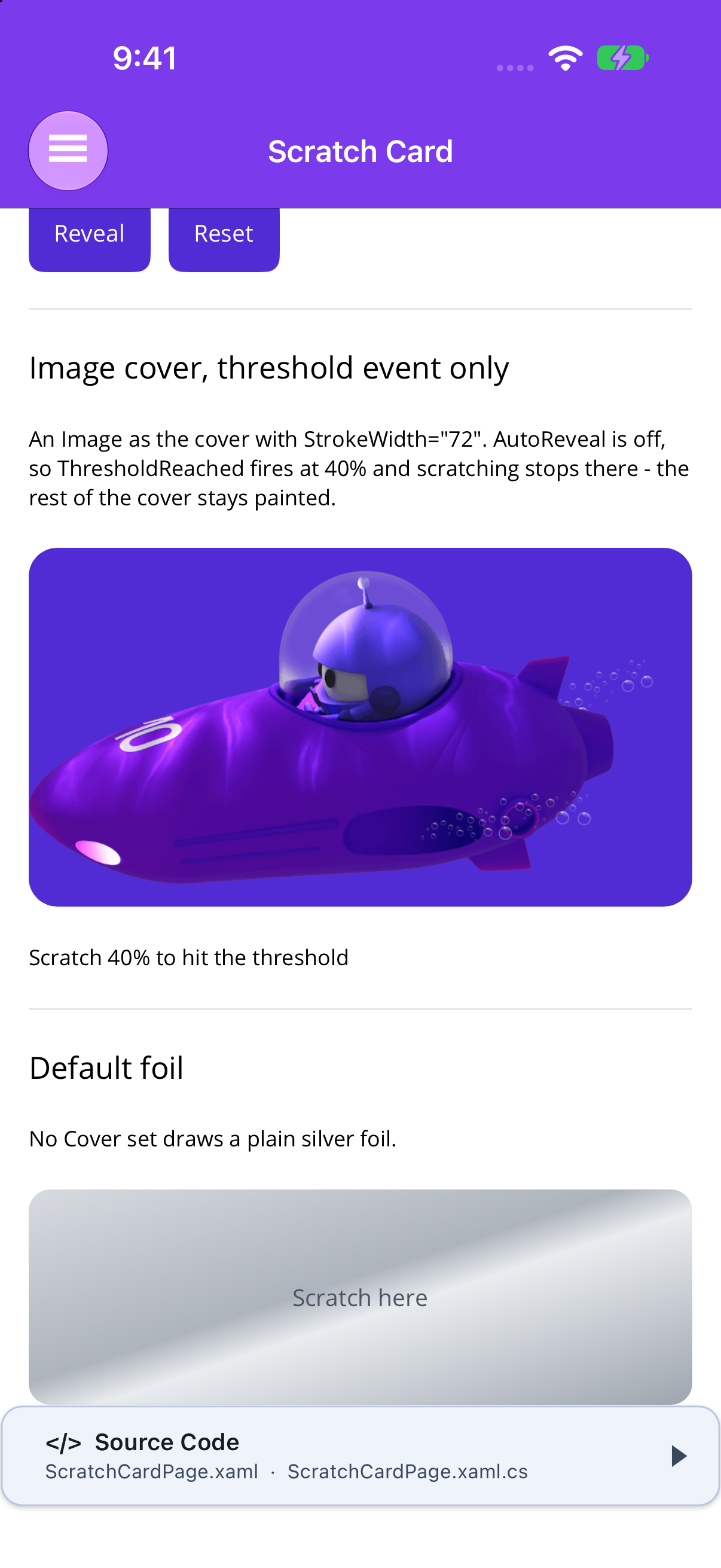
Both layers are ordinary, live views. The cover is not flattened to a bitmap, so it can be an image, a gradient, a label or a whole layout. An image is just one option.


Frameworks
.NET MAUI
Blazor
MAUI
| Untouched | Mid-scratch | Revealed | Image cover and default foil |
|---|---|---|---|
 |
 |
 |
 |
Blazor
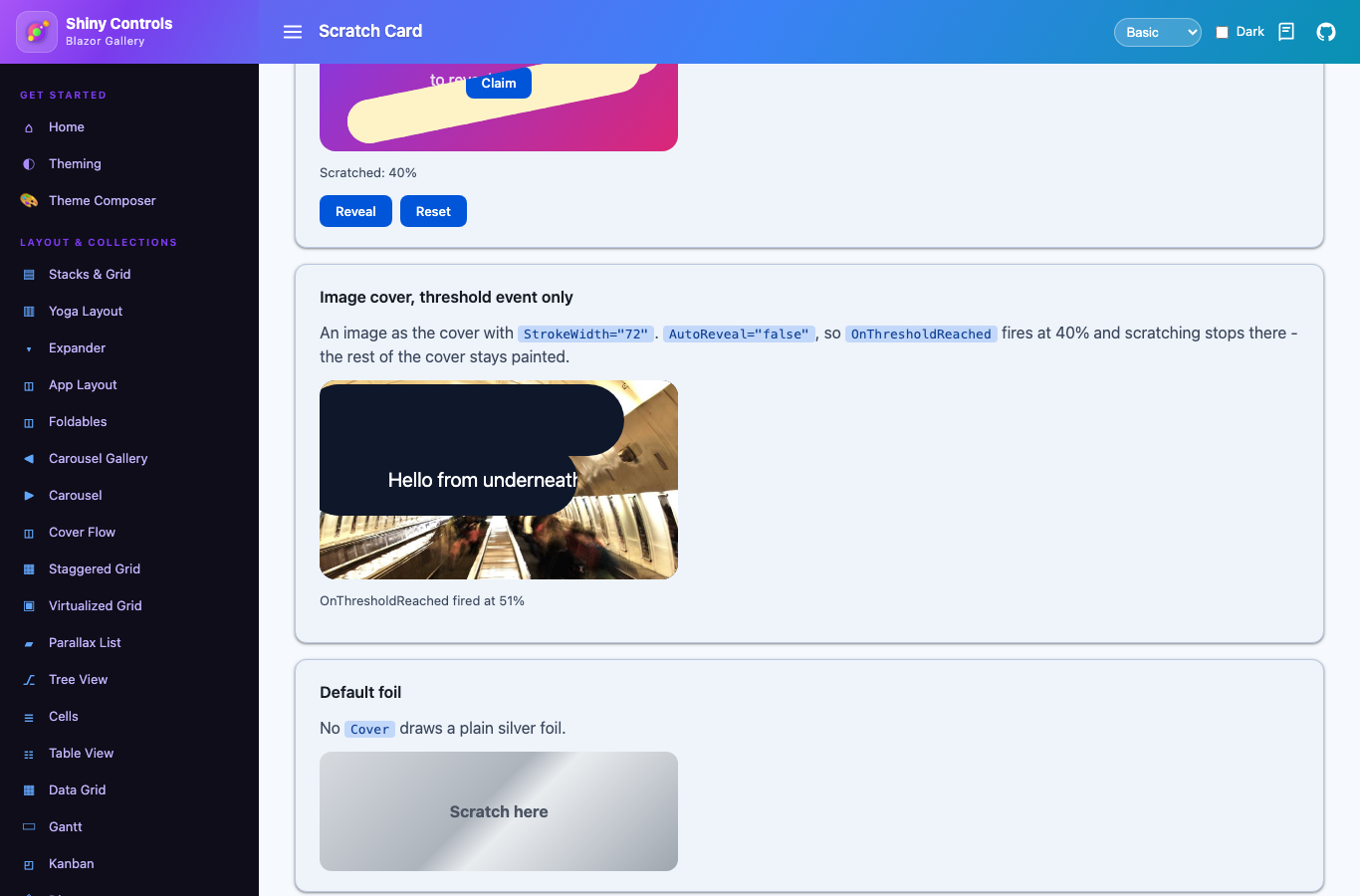
| Mid-scratch | Threshold without AutoReveal |
|---|---|
 |
 |
| Revealed |
|---|
 |
<Border StrokeShape="RoundRectangle 16" StrokeThickness="0" HeightRequest="180">    <shiny:ScratchCard ThresholdPercent="55"                       ThresholdReached="OnThresholdReached"                       ScratchProgressChanged="OnProgress">        <shiny:ScratchCard.Cover>            <Image Source="foil.png" Aspect="AspectFill" />        </shiny:ScratchCard.Cover>
        <!-- the hidden content (the XAML content property) -->        <Grid BackgroundColor="#FEF3C7">            <Label Text="You won 500 points!" HorizontalOptions="Center" VerticalOptions="Center" />        </Grid>    </shiny:ScratchCard></Border>
How it works:
- Clipping: scratching clips the cover with MAUI’s cross-platform
Clipto the part that hasn’t been scratched yet. The scratched area is tracked on a grid of small cells sized fromStrokeWidth(a 36th of it, 1.25–2 units, about 3 pixels on a 3x screen), so the edge stays fine at any brush size. Nothing is platform-specific, so it behaves the same on every MAUI head. - Inside a ScrollView: the scroller is held off from touch-down for the length of a stroke, so scratching never scrolls the page. Other touches still scroll.
- Android edge swipes: on Android 10+, a stroke that starts near the left or right screen edge would otherwise be taken as the system Back gesture. While the card can scratch, it excludes itself from the system gestures. Android allows only 200dp of excluded height per screen edge for the whole window, so with several tall cards on one screen, some of them may still lose their edges to Back.
- Locked until earned: nothing under the cover takes a touch until
ThresholdPercentis reached (or the card is revealed from code). A “Claim” button can’t be pressed through a scratched hole. From the threshold on, the scratch surface steps aside and the content takes taps. - Rounded corners: the card clips to its own bounds. For rounded corners, wrap it in a
Borderwith aStrokeShapeandStrokeThickness="0". The card draws no border of its own. - Resizing: a size change (rotation, window resize) keeps what has already been scratched.
Blazor
Section titled “Blazor”<ScratchCard ThresholdPercent="55" OnThresholdReached="p => won = true" @bind-IsRevealed="revealed" Style="width:320px; height:180px; border-radius:16px"> <Cover> <img src="foil.png" alt="" style="width:100%; height:100%; object-fit:cover" /> </Cover> <ChildContent> <div style="display:grid; place-items:center; background:#FEF3C7">You won 500 points!</div> </ChildContent></ScratchCard>How it works:
- Mask: a script draws the strokes into an offscreen canvas and applies it to the cover as a CSS mask, so the scratched edge is smooth and round. The same canvas is measured (sampled every few pixels) to report the scratched percentage to .NET a few times a second and at the end of every stroke. The threshold logic runs in C#.
- Touch: the cover has
touch-action: none, so a stroke that starts on it never scrolls the page. - Size: the card is as big as its content unless you give it a size through
Style/Class. - Locked until earned: the content is
inertuntilThresholdPercentis reached, so no click, tap or keyboard focus gets through a scratched hole. From the threshold on, the cover stops catching the pointer. - After reveal: the cover fades out (
RevealDuration) and is then removed from the DOM.
Threshold vs. reveal
Section titled “Threshold vs. reveal”ThresholdPercent and AutoReveal are separate settings:
- When the scratched share passes
ThresholdPercent(0–100, default 60),ThresholdReachedfires (Blazor:OnThresholdReached) with the percentage. It fires once per cover, and again only afterReset(). - With
AutoRevealon (the default), the rest of the cover then clears andRevealedfires. - With
AutoRevealoff, you still getThresholdReachedand the content still unlocks, but the rest of the cover stays painted. Scratching stops at the threshold; callReveal()to clear the rest.
Either way, the threshold is the moment the content becomes touchable. Before it, every touch goes to the scratch surface.
Properties
Section titled “Properties”| Property | Type | Default | Description |
|---|---|---|---|
| Cover | View / RenderFragment | silver foil | The view on top that gets scratched off. Null draws a plain silver foil with “Scratch here” |
| HiddenContent | View | null | The view underneath (MAUI, XAML content property) |
| ChildContent | RenderFragment | — | The content underneath (Blazor) |
| StrokeWidth | double | 44 | Width of a scratch stroke (DIPs / CSS px). 44 is about a fingertip |
| ThresholdPercent | double | 60 | Percentage (0–100) that raises the threshold event |
| AutoReveal | bool | true | Clears the rest of the cover when the threshold is reached. Off leaves it painted (the content unlocks either way) |
| IsScratchEnabled | bool | true | False holds the cover as it is |
| RevealDuration | TimeSpan | 300 ms | How long the remaining cover takes to fade. Zero snaps it away |
| IsRevealed | bool | false | Two-way. Becomes true on reveal. Set true to reveal from code, false to reset |
| ScratchedPercent | double | 0 | Read-only, 0–100. Jumps to 100 on reveal |
| ThresholdReachedCommand | ICommand | null | Runs with the threshold event; the parameter is the percentage (MAUI) |
| RevealedCommand | ICommand | null | Runs when the card reveals (MAUI) |
| Class / Style | string | — | (Blazor) |
Events
Section titled “Events”| MAUI | Blazor | When |
|---|---|---|
ScratchStarted |
OnScratchStarted |
A stroke started on the cover |
ScratchProgressChanged (ScratchProgressEventArgs.Percent) |
OnScratchProgress (double) |
The scratched percentage moved |
ThresholdReached (ScratchProgressEventArgs) |
OnThresholdReached (double) |
ThresholdPercent was passed (once per cover) |
Revealed |
OnRevealed |
The cover cleared, either automatically or from code |
Methods
Section titled “Methods”| Method | Description |
|---|---|
Reveal() |
Clears the cover without scratching (MAUI: Reveal(bool animate = true); Blazor returns a Task) |
Reset() |
Puts a fresh, unscratched cover back and re-arms the threshold |