


Import & export data
On the Import / Export tab of any type, alongside Generate.
Export
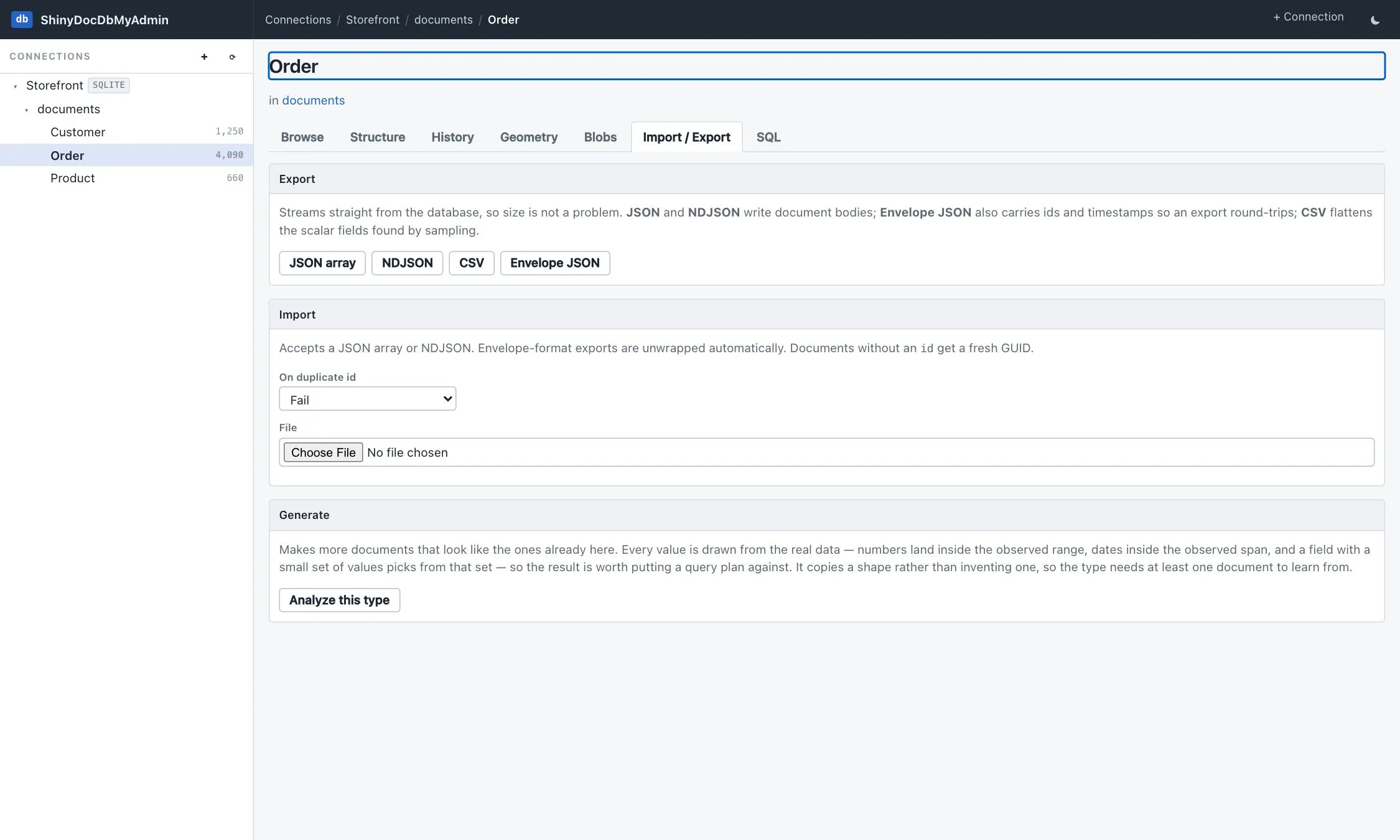
Section titled “Export”Streams straight from the database, so size is not a problem — nothing is buffered into memory or across the Blazor circuit.
| Format | What it writes | Round-trips |
|---|---|---|
| JSON array | the document bodies, in one array | bodies only |
| NDJSON | one body per line | bodies only |
| Envelope JSON | bodies plus id, type name and timestamps | ✅ |
| CSV | the scalar fields found by sampling, flattened | no |
Envelope JSON is the one to pick when the export is going back into a DocumentDb store: it carries the envelope, so ids and timestamps survive the trip. The plain JSON forms carry the bodies, which is what you want when the destination is anything else.
CSV flattens the scalar paths that sampling found — good for a spreadsheet, lossy for anything nested, and it says so.
Export stays available on a read-only connection and in demo mode, because it only reads.
Import
Section titled “Import”Accepts a JSON array or NDJSON, and unwraps envelope-format exports automatically, so an export from this
tool imports without editing. A document with no id gets a fresh GUID.
Duplicate ids are handled by an explicit choice, made before the upload:
| On duplicate id | Behaviour |
|---|---|
| Fail | stop at the first collision and report it — the default, because a surprise overwrite is worse than a failed import |
| Replace | overwrite the existing document |
| Skip | keep the existing document and move on |
Documents are written in batches — one round trip per chunk rather than per document — inside a transaction, with the per-document loop kept as a fallback for the providers whose replace/skip forms can’t be expressed in a single statement. Failures are reported per batch and the rest of the file continues.
Like Generate, import maintains no sidecars: rows arrive in the documents table without a temporal version or a vector index entry. Rebuild the vector index from the Vectors tab afterwards if the type has one. Full text is unaffected — the database maintains it. For a bulk load driven from your own code, see the library’s bulk import.
Importing is closed in demo mode, because it writes to the sample everyone else is looking at.