
Mermaid Diagrams | Getting Started
A .NET MAUI control that parses and renders Mermaid flowchart syntax natively using MAUI Graphics. No WebView, no SkiaSharp — pure IDrawable rendering with a hand-written recursive-descent parser and Sugiyama layered layout algorithm.


Frameworks
.NET MAUI
Screenshots
Section titled “Screenshots”| Flowchart | Editor | Themes | Subgraphs |
|---|---|---|---|
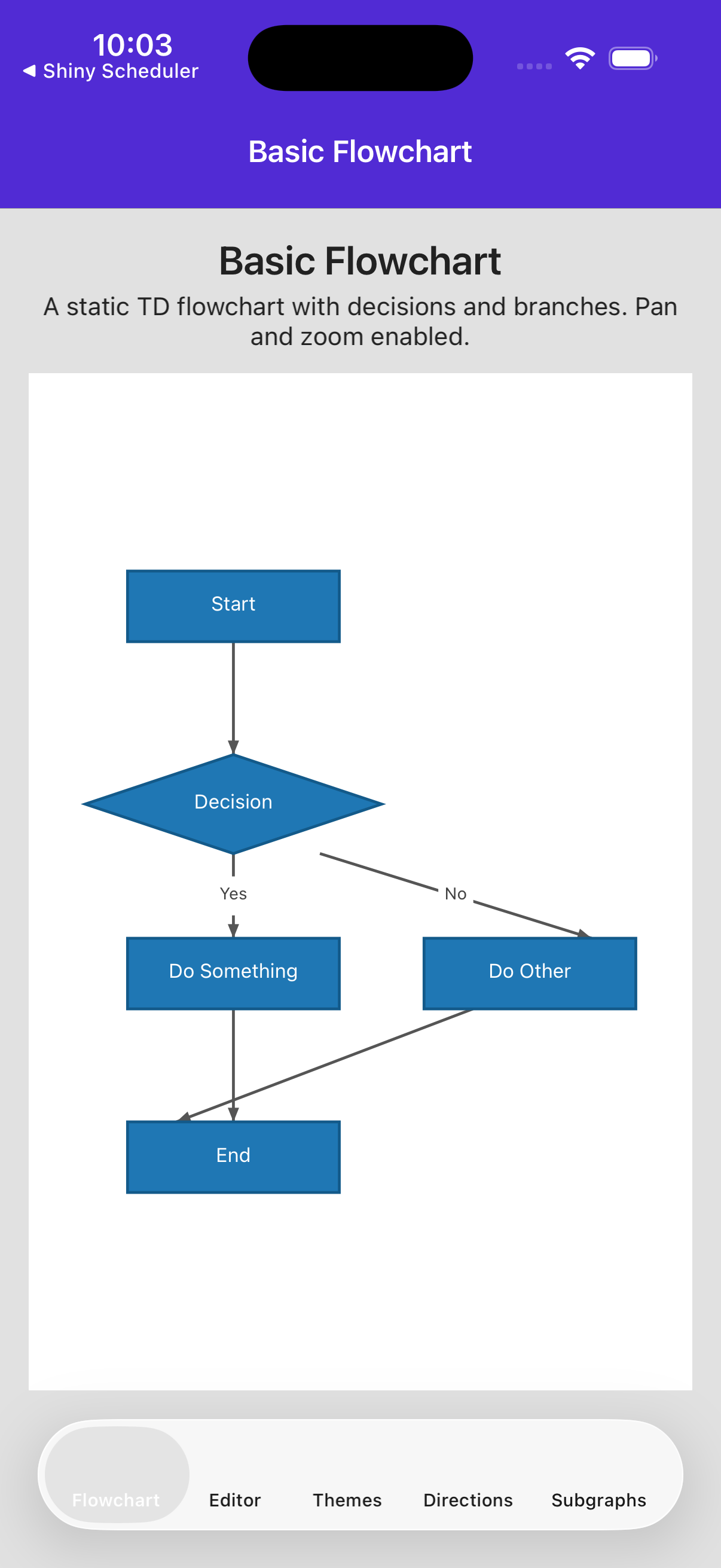 | 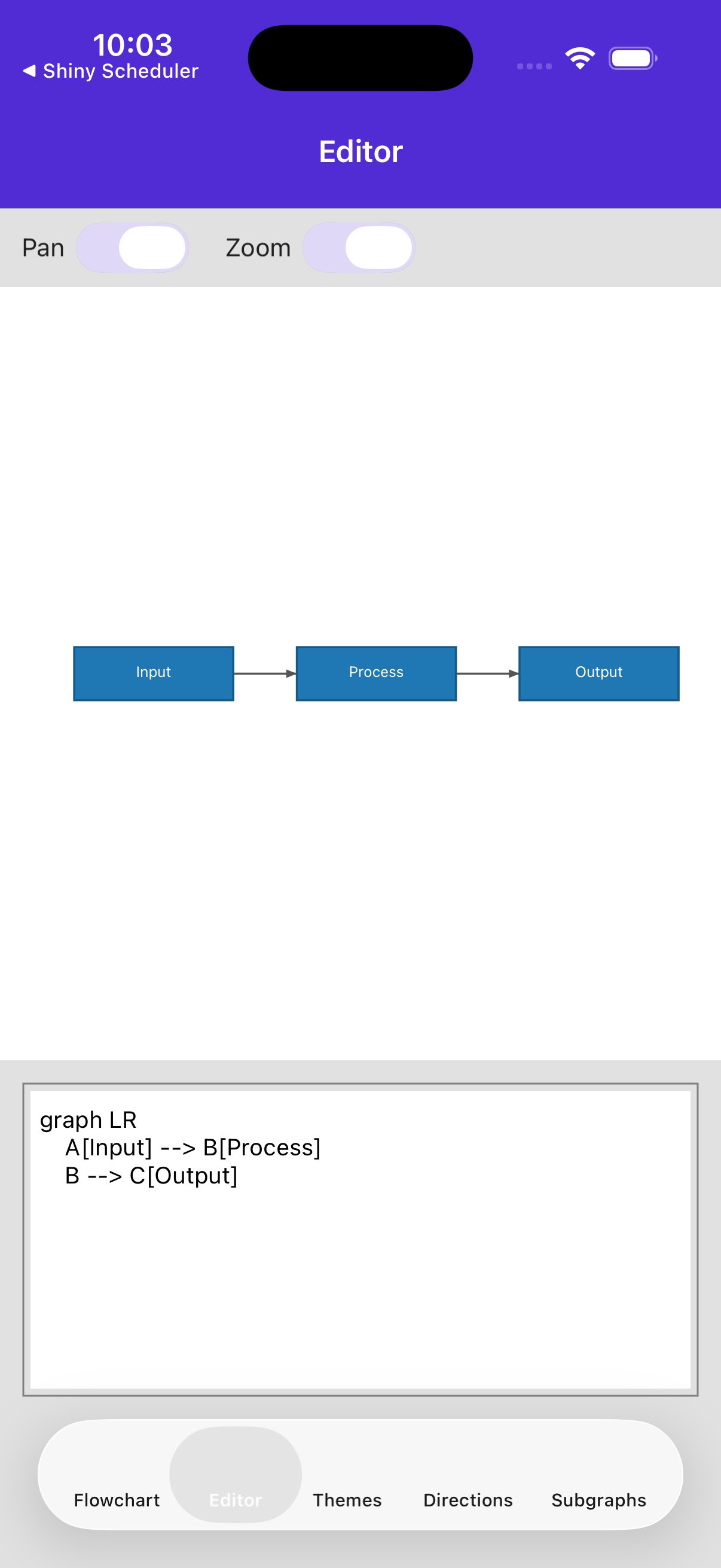 | 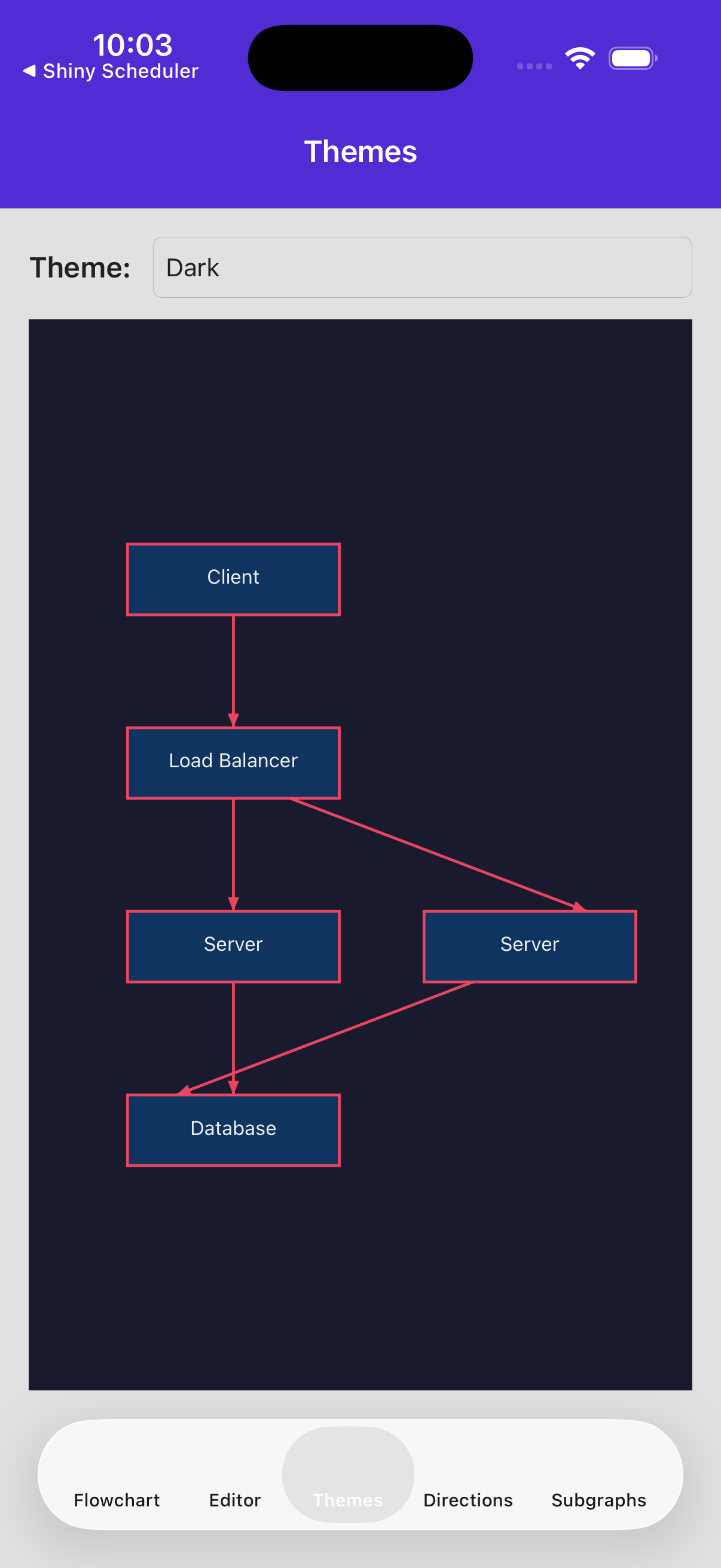 | 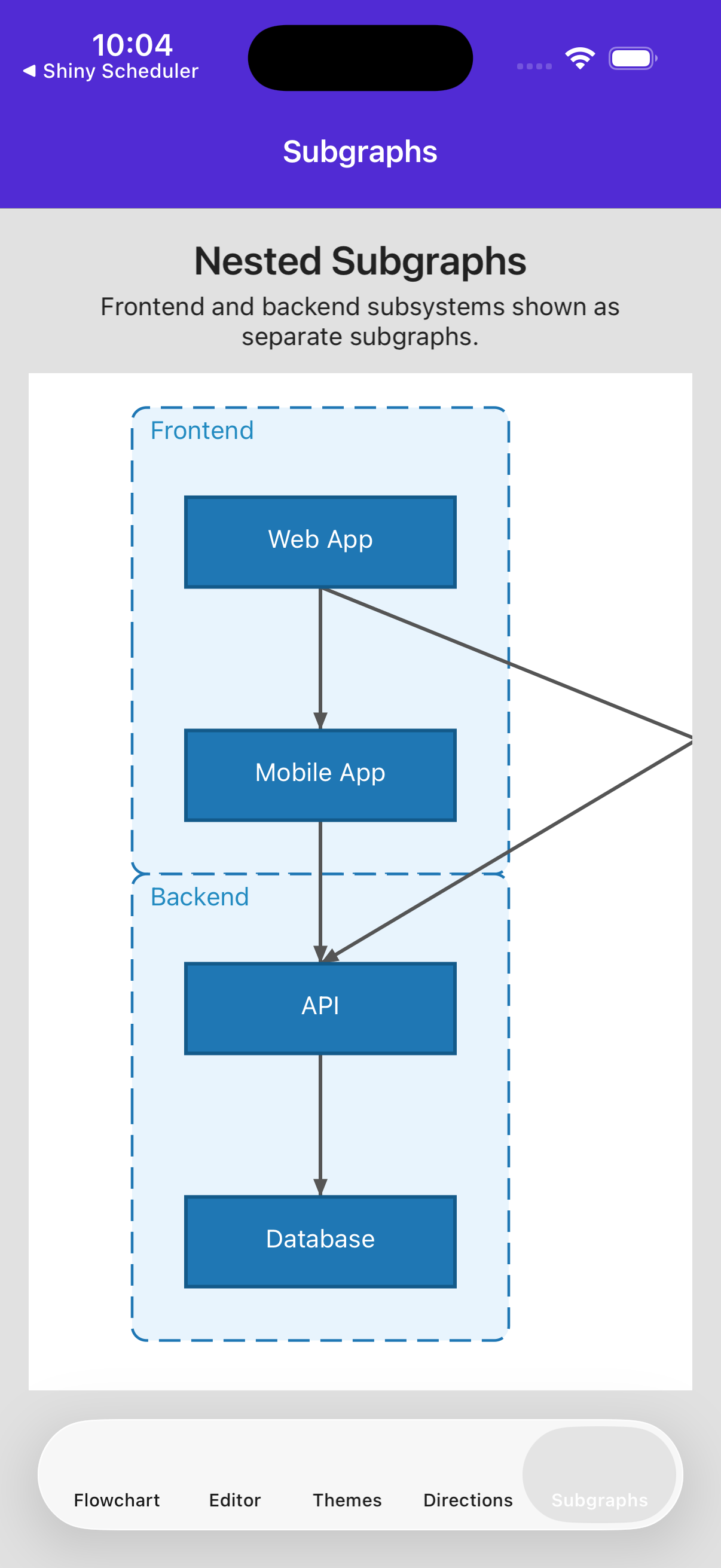 |
Features
Section titled “Features”- Native MAUI Graphics rendering — Pure
IDrawableimplementation, no WebView or JavaScript - Mermaid flowchart parsing — Recursive-descent parser for
graph/flowchartsyntax withTD,LR,BT,RLdirections - Node shapes — Rectangle, rounded rectangle, stadium, circle, diamond, and hexagon
- Edge styles — Solid, dotted, and thick lines with arrow or open endings and optional labels
- Subgraph support — Nested subgraph containers with titles and automatic layout
- Sugiyama layout algorithm — Automatic layered graph layout with cycle removal, crossing minimization, and edge routing
- 4 built-in themes — Default, Dark, Forest, and Neutral with full customization via
DiagramTheme - Gesture support — Pan and pinch-to-zoom with configurable enable/disable
- AOT-safe — Fully compatible with .NET trimming and NativeAOT
- Error handling — Parse errors exposed via
ParseErrorbindable property for live editor scenarios
- NuGet Packages
- Project File
- MauiProgram.cs
Shiny.Maui.MermaidDiagrams
-
Install the NuGet package
Terminal window dotnet add package Shiny.Maui.MermaidDiagrams -
Configure in
MauiProgram.csvar builder = MauiApp.CreateBuilder();builder.UseMauiApp<App>().UseShinyDiagrams(); -
Add the control to your page
<ContentPage xmlns:diagrams="clr-namespace:Shiny.Maui.MermaidDiagrams.Controls;assembly=Shiny.Maui.MermaidDiagrams"><diagrams:MermaidDiagramControlDiagramText="{Binding MermaidText}"Theme="{Binding SelectedTheme}" /></ContentPage>
Quick Example
Section titled “Quick Example”var control = new MermaidDiagramControl{ DiagramText = """ graph TD A[Start] --> B{Decision} B -->|Yes| C[Action] B -->|No| D[End] C --> D """, Theme = new DefaultTheme()};The control automatically parses the Mermaid text, computes the layout, and renders the diagram. When DiagramText changes, the diagram updates immediately.
Supported Mermaid Syntax
Section titled “Supported Mermaid Syntax”graph TD %% or: flowchart LR, BT, RL A[Rectangle] B(Rounded) C([Stadium]) D((Circle)) E{Diamond} F{{Hexagon}}
A --> B %% solid arrow B --- C %% solid line (no arrow) C -.-> D %% dotted arrow D -.- E %% dotted line E ==> F %% thick arrow F === A %% thick line
A -->|label| B %% edge with label
subgraph Group [My Group] G --> H endAI Coding Assistant
Section titled “AI Coding Assistant”An AI skill is available for Shiny MAUI Mermaid Diagrams to help generate diagram controls, themes, and parsing directly in your IDE.
Claude Code
claude plugin add github:shinyorg/skillsGitHub Copilot — Copy the shiny-maui-mermaid-diagrams skill file into your repository’s custom instructions.
Next Steps
Section titled “Next Steps”- Control Properties — All bindable properties and layout options
- Theming — Built-in themes and custom theme creation
- Release Notes